AnyFilePDF
100% Free • No Sign-up Required

Free Online PDF Tools

Convert, compress, merge, split, edit and manage your PDF files online.

Fast, simple PDF tools with no unnecessary complexity.
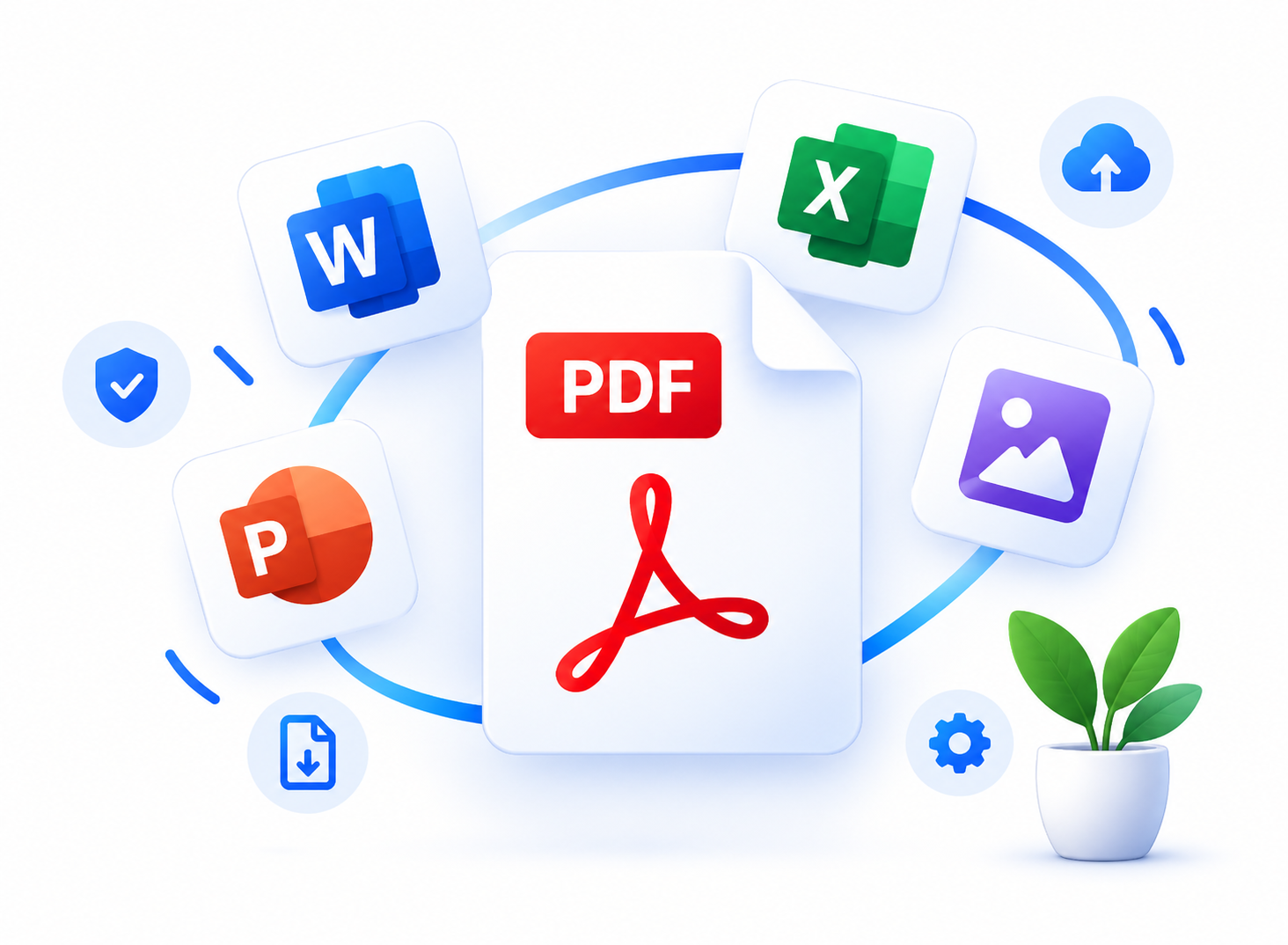
AnyFilePDF — convert Word, Excel, PowerPoint, and images to PDF

All PDF Tools

Browse our complete catalog of free PDF and document utilities.

Available Now (48)

CONVFree
PDF ConverterConvert everyday files into a shareable PDF in one place.
Use Tool
JPGFree
JPG to PDFConvert JPG images into a single PDF file in your browser session.
Use Tool
PNGFree
PNG to PDFConvert PNG images to PDF without installing desktop software.
Use Tool
WORDFree
Word to PDFConvert Word documents (.doc, .docx) to PDF.
Use Tool
EXCEFree
Excel to PDFConvert Excel spreadsheets to PDF.
Use Tool
PPTFree
PPT to PDFConvert PowerPoint presentations to PDF.
Use Tool
OCRFree
PDF OCRMake scanned PDF pages searchable with fast optical character recognition.
Use Tool
PDFFree
PDF to JPGExport PDF pages as JPG images.
Use Tool
PDFFree
PDF to PNGExport PDF pages as crisp, high-resolution PNG images online.
Use Tool
PDFFree
PDF to WordConvert PDF documents to editable Microsoft Word (.docx) files online.
Use Tool
PDFFree
PDF to ExcelExtract tables and tabular data from PDF into Microsoft Excel (.xlsx) spreadsheets.
Use Tool
PDFFree
PDF to PowerPointConvert PDF decks into PowerPoint presentations via a configured engine.
Use Tool
MERGFree
Merge PDFCombine multiple PDF files into one document.
Use Tool
ODTFree
ODT to PDFConvert OpenDocument Text (.odt) documents to PDF online for free.
Use Tool
TXTFree
TXT to PDFTurn plain text notes into a clean printable PDF.
Use Tool
SPLIFree
Split PDFSplit a PDF into separate files or page ranges.
Use Tool
HTMLFree
HTML to PDFRender HTML pages into PDF snapshots for archiving and sharing.
Use Tool
ZIPFree
ZIP to PDFCombine supported files inside a ZIP archive into one PDF.
Use Tool
CSVFree
CSV to PDFTurn CSV spreadsheets into a readable PDF table.
Use Tool
COMPFree
Compress PDFReduce PDF file size for email and upload limits.
Use Tool
ROTAFree
Rotate PDFRotate PDF pages that were scanned or exported sideways.
Use Tool
DELEFree
Delete PDF PagesRemove unwanted pages from a PDF before you share it.
Use Tool
EXTRFree
Extract PDF PagesPull selected pages out of a larger PDF into a new file.
Use Tool
ORGAFree
Organize PDFReorder PDF pages into a cleaner reading sequence.
Use Tool
EDITFree
Edit PDFEdit PDF text and layout when the editor engine is available.
Use Tool
ANNOFree
PDF AnnotatorAdd highlights and notes to PDF pages for review workflows.
Use Tool
READFree
PDF ReaderOpen and preview PDFs in the browser before you convert or share.
Use Tool
NUMBFree
Number PagesAdd page numbers to every PDF page for printing and binders.
Use Tool
CROPFree
Crop PDFCrop PDF page boxes to remove margins or scanner edges.
Use Tool
REDAFree
Redact PDFBlack out sensitive regions before you publish a PDF.
Use Tool
WATEFree
Watermark PDFStamp a text watermark across PDF pages for drafts and branding.
Use Tool
FORMFree
PDF Form FillerFill interactive PDF form fields when the form engine is enabled.
Use Tool
SHARFree
Share PDFPrepare a PDF for sharing with a short-lived download link.
Use Tool
HIGHFree
Highlight PDFHighlight important passages in PDF study and review packs.
Use Tool
ADDTFree
Add Text to PDFOverlay short text notes onto PDF pages.
Use Tool
ADDIFree
Add Image to PDFPlace an image stamp such as a logo onto PDF pages.
Use Tool
SIGNFree
Sign PDFApply a simple signature stamp to PDF agreements.
Use Tool
REQUFree
Request SignaturesPrepare a PDF for signature collection workflows.
Use Tool
UNLOFree
Unlock PDFRemove password protection from PDFs you are allowed to open.
Use Tool
FLATFree
Flatten PDFFlatten form fields and annotations into static PDF content.
Use Tool
SCANFree
PDF ScannerTurn phone photos of documents into a multi-page PDF.
Use Tool
SCANFree
Scanned PDF to Searchable PDFConvert image-only scanned PDFs into searchable documents via OCR.
Use Tool
INVOFree
Invoice GeneratorGenerate a simple invoice PDF from a short text brief.
Use Tool
RESUFree
Resume BuilderBuild a one-page resume PDF from plain text notes.
Use Tool
QUOTFree
Quotation GeneratorProduce a quotation PDF for client proposals.
Use Tool
RECEFree
Receipt GeneratorCreate a simple payment receipt PDF.
Use Tool
CERTFree
Certificate GeneratorDesign a certificate of completion PDF from a short name list.
Use Tool
COVEFree
Cover Letter GeneratorFormat a cover letter PDF from your draft text.
Use Tool

Why AnyFilePDF

Reliable, straightforward PDF utilities designed for speed, clarity, and trust.

100% Free to Use

All active conversion and editing tools are completely free without paywalls or hidden subscriptions.

Simple & Fast Interface

No confusing setup or bloated workflows. Pick a tool, drop your file, and get your converted document in seconds.

No Unnecessary Signup

Process everyday documents immediately without creating an account, providing credit cards, or logging in.

Fast Server-Side Processing

Powered by native Node.js PDF engines with optimized multi-page parsing, OCR recognition, and compression.

Privacy & Automated Cleanup

Your files are isolated to your temporary job and automatically purged after the retention window. We never sell your data.

How It Works

Simple, automated document processing in four easy steps.

01

Choose a PDF Tool

Pick the tool you need from our popular tools list or searchable directory.

02

Upload Your File

Drag and drop your document or browse your computer, tablet, or phone.

03

Process the File

Our automated pipeline converts, compresses, splits, or edits with real-time feedback.

04

Download the Result

Save your finished PDF, Word, Excel, or image file directly to your device.

Frequently asked questions

Is AnyFilePDF free?

Yes, 100% free. You can use all active conversion, compression, organization, and editing tools without paying, subscribing, or registering.

How do I convert PDF to Word?

Select 'PDF to Word' from our popular tools, drag and drop your PDF file, and click 'Convert to Word'. Our server extracts the text and formatting into an editable .docx file for download.

How do I merge PDF files?

Choose 'Merge PDF', upload two or more PDF files, arrange them in your preferred order using the reorder buttons, and click 'Merge PDF'. You will receive a single combined PDF document.

How do I compress a PDF?

Open 'Compress PDF', upload your document, choose your preferred compression level (Recommended, Strong, or Less), and click 'Compress PDF'. We report the exact size reduction achieved.

Can I convert JPG images to PDF?

Yes. The 'JPG to PDF' tool accepts JPG, PNG, and WebP images. You can upload multiple photos, reorder them, adjust margins and page orientation, and combine them into one PDF.

Can I split a PDF?

Yes. Our 'Split PDF' tool allows you to split every page into separate documents in a ZIP file, or extract custom page ranges (for example: 1-3, 5).

Can I edit a PDF online?

Yes. With 'Edit PDF', you can interactively click and edit existing text, add new text notes, insert images, draw, highlight, place shapes, and add signatures directly on the page.

What file types are supported?

We support PDF, Microsoft Word (.docx), Excel (.xlsx), PowerPoint (.pptx), OpenDocument Text (.odt), and images (.jpg, .jpeg, .png, .webp).

How long are uploaded files kept?

Files are processed in isolated temporary storage and automatically deleted after the 60-minute retention window expires. We do not store your documents permanently.